Share an HTML file as a link
The HTML file you sent
won't open.
Attachments arrive as raw code, get stripped by mail filters, or simply don't open on a phone. Paste your HTML and get a link anyone opens in one tap — export it to PDF, image or Word when they want a file, and fix a typo without sending a new link.
No signup · 3 free documents a month · Works in WhatsApp, Telegram, Slack and email
In WhatsApp / Slack
Untitled document
Untitled document
Opens in one tap
sendpageapp.com
Nothing is uploaded until you create the link.
Opens anywhere your recipients already are
Paste it here. Get your link.
The whole thing takes about thirty seconds, and you keep the link forever.
How it appears in WhatsApp
Your document title
Interactive document · Open in one tap
Here's the document 👆
No signup needed · 3 free documents a month
New — Claude & DeepSeek Harness
Or never copy the HTML at all.
SendPage is an MCP server — connect it once to Claude, DeepSeek Harness, or any MCP client, and the document you just asked it to write becomes a link without leaving the conversation. Ask for a PNG or a correction; the link stays the same.
Connect it — free, one command$ claude mcp add --transport http \
sendpage https://sendpageapp.com/mcp
✔ Connected
You: send this proposal to my client
Claude: Published — sendpageapp.com/d/a4f2k9. It opens in one tap on their phone.
Using DeepSeek Harness or another MCP client? Add the same endpoint — https://sendpageapp.com/mcp
Not using an AI client? There's a plain REST API — one POST turns HTML into a hosted link, with PNG/PDF/Word export. Free to try.
You made something good. Then you sent it — and it broke.
A raw .html arrives as code. A PDF flattens your charts. A screenshot kills the text. SendPage turns it into a link that just opens — anywhere.
Why SendPage?
A design tool, a report generator, an AI — plenty of things hand you a finished document as a file full of HTML. None of them tell you there is no good way to send that to a client. Attached to an email it looks suspicious and will not open properly on a phone. Printing it to PDF flattens the charts and cuts the wide tables in half. A screenshot throws away the text. So the document that looked professional on your screen arrives looking like homework — and you end up apologising for it before your client has read a word.
- Paste HTML, get a link
- Exports to PDF, image and Word
- Edit the text after you have sent it
From AI output to customer-ready in 30 seconds
- 01
Paste what your AI made
Copy the HTML out of Claude, ChatGPT or any tool. Drop it in. No signup, no setup.
- 02
Send one link
In WhatsApp, Telegram, Slack, iMessage or email it arrives as a card with your title, your name and how long it takes to read.
- 03
They read it properly
Charts stay interactive, animations play, phones render it right. PDF or Word if they want a file.
23
document types benchmarked
every export, every run
100%
text preserved in exports
measured word by word
9
scripts with bundled fonts
Chinese, Arabic, Thai, Tamil…
~2.5s
to build a PDF
real browser, real rendering
From the conversion benchmark that runs against the live site on every change — one document per risky capability, scored on how much of the text survives the export.
Three things a PDF can't do
Real documents, live on SendPage. Open one and try the thing it suggests — this is exactly what your recipient gets.
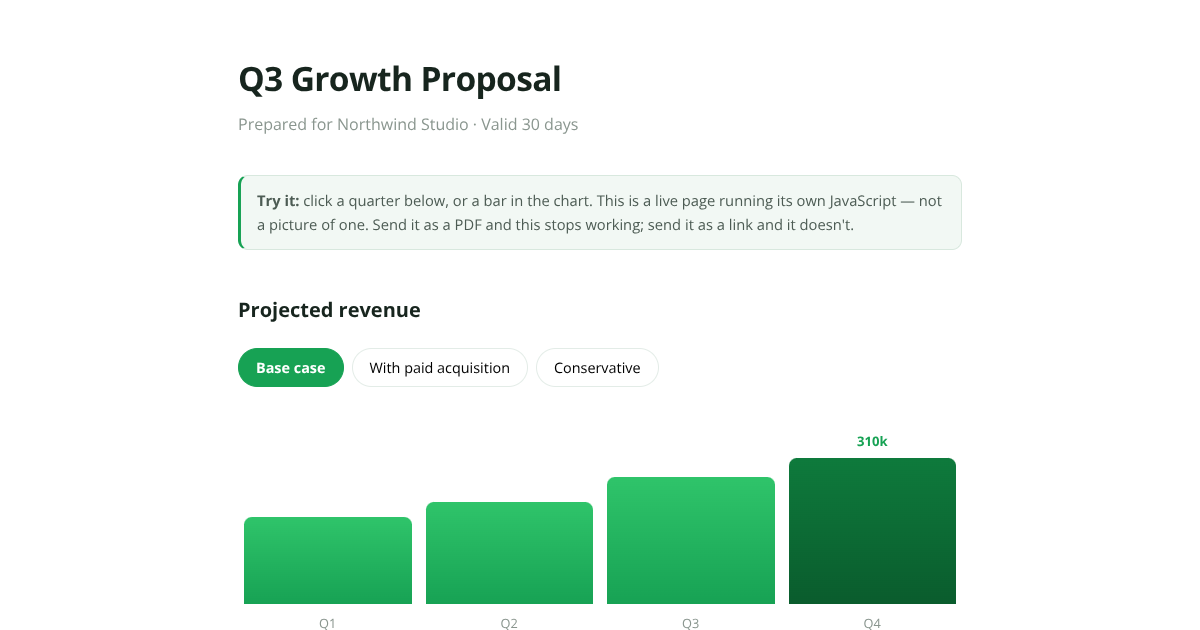
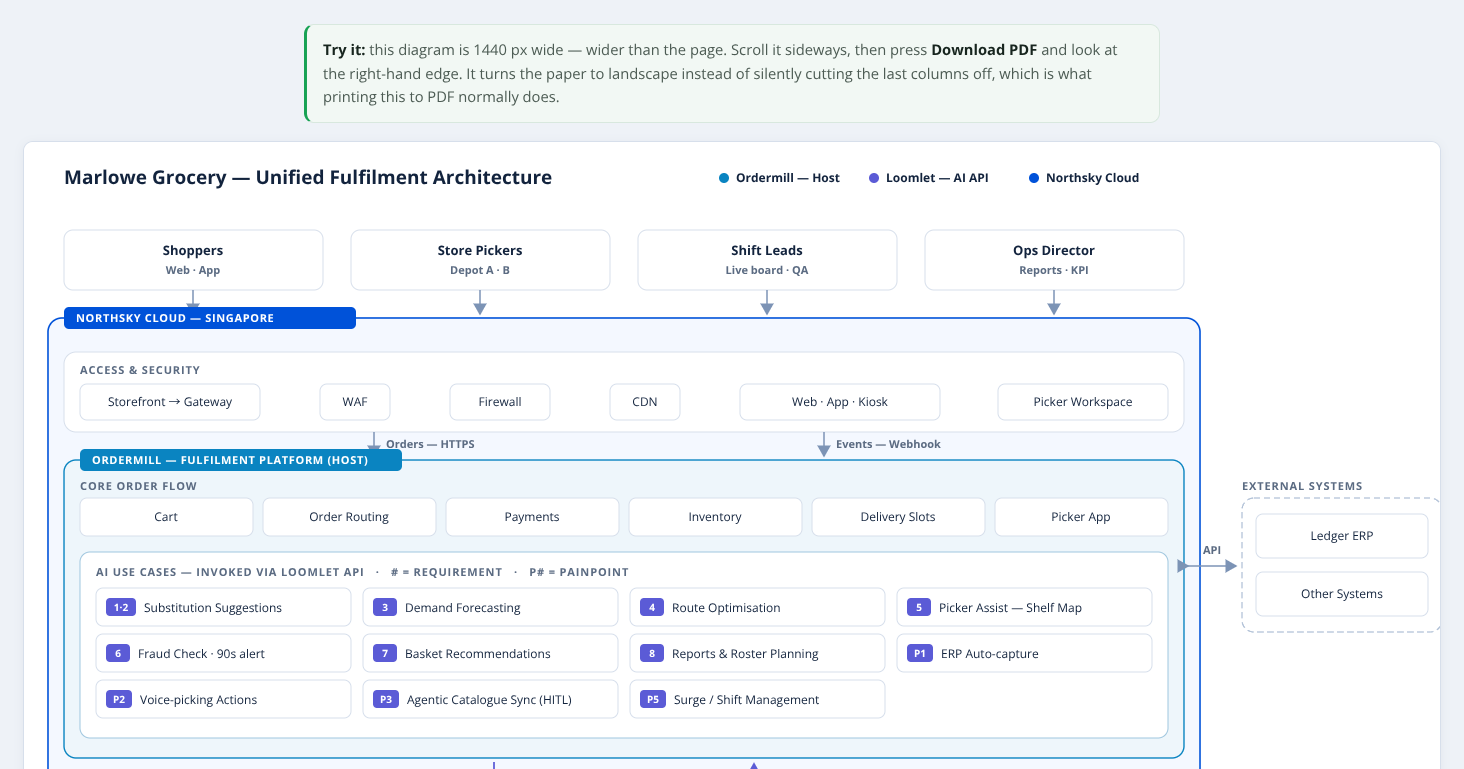
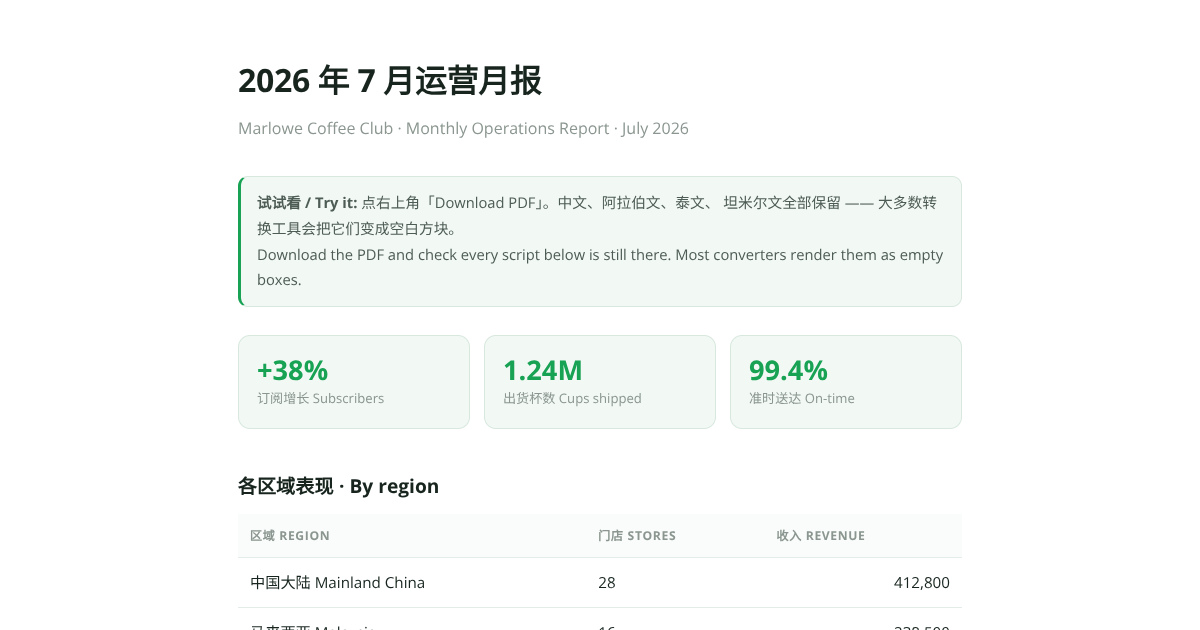
Pro
Your client reads it in their language
A real document, translated. Tap a language — the whole page switches, and the numbers, links and layout stay exactly where they were. The PDF exports translated too, with every character intact.
Read tracking · free
Know the moment your work gets read
A sent PDF disappears. A SendPage link tells you who opened it, when, on what device, and how long they actually read. When someone opens it a second time — the real buying signal — you get an email that says so.
No trackers, no unmasking — just what the link legitimately sees, and an optional email gate if you want a name against a read.
Q3 Growth Proposal · activity
live- 👀
Suria Retail opened Q3 Growth Proposal
iPhone · Safari · just now
Everything the link needs to look like your work
Each one is marked Free, Pro, or both.
Opens in your reader's languagePRO
Pick up to three languages and your link opens translated — the recipient switches with a tap. Chinese, Japanese, Arabic and more, and because we bundle the fonts, every character survives the PDF export where other tools show empty boxes.
Convert to PDF, image or WordFREEPRO
We render your page in a real browser and capture that, so the design survives. PDF and a long image for chat are free; Word, for a client who wants to edit it, is on Pro. Wide diagrams turn the page instead of losing a column.
Edit the HTML after you send itFREE
Click any text in the document and type — no code needed — or paste a fresh version your AI regenerated. The link never changes, and the PDF rebuilds itself.
Arrives as a card, not a URLFREEPRO
WhatsApp, Telegram, Slack, iMessage and email show your title, your name and a card drawn with the same fonts as the document — Chinese, Arabic and Thai titles included. Set the card's colour on Pro.
Reads properly on a phoneFREE
Charts stay interactive and animations play. Nothing to download, nothing to install.
See who opened itFREEPRO
Every link tells you when it was opened, on what device, and how long they stayed — free for thirty days, twelve months on Pro. Turn on the email gate and you get the address too, so you know whether the client actually read the proposal before you follow up.
Password protectionFREE
Lock a document to the people you sent it to, on any plan including free. Protected documents never show their contents in a group chat preview.
Subscribing clears what you already sentPRO
The footer disappears from every link in your clients' chats — and stays gone even if you cancel later.
Simple pricing
Start free with no card. Go Pro when you want the footer gone — or pay $1 for a single document if you'd rather not subscribe.
Free
$0
- ✓ 3 documents a month
- ✓ Share links with preview cards
- ✓ PDF & image export
- ✓ Password protection & email gate
- ✓ See who opened it, for 30 days
- · Small SendPage footer
Pro
$5 / month
or $40 a year
- ✓ Unlimited documents, no footer
- ✓ Opens in your reader's language (up to 3)
- ✓ Word export
- ✓ 12 months of read history
- ✓ Link preview card in your own colour
- ✓ All your documents in one dashboard
- ✓ Unlocks documents you already sent
No signup needed — you're signed in straight after paying. Cancel any time; documents you made while subscribed stay unlocked forever. Just need one document? $1.
Questions
How do I share an HTML file as a link?
Go to SendPage, paste your HTML, and it gives you a link to send. Anyone taps the link and reads the document as intended — no download, no app, no account. It is free to try; the free tier is 3 documents a month.
How do I share ChatGPT or Claude output as a link?
Paste the HTML your AI generated into SendPage and send the link it returns — the formatting, tables and charts stay intact, unlike a screenshot or a copy-paste. If you use an MCP-capable assistant, connect the SendPage MCP server and just ask it to publish the document as a link.
What exactly does SendPage do?
It hosts the HTML document your AI generated and gives you a link to send. Your customer taps the link and reads the document — no download, no app, no account.
Will my design survive?
In the browser, yes — it is your document, running as written. For PDF and image exports we render the real page in a real browser and capture that, so what you see is what you get. Word export is best-effort: text and structure carry over, complex layouts may shift.
Can I fix a typo after I've sent the link?
Yes, and the link never changes. Open your private manage link, click Edit content, then click any text on the page and type — no code needed. You can also paste a fresh version of the HTML if you regenerated it with your AI. Downloads and the chat preview update themselves.
Does Chinese, Japanese or Korean text work?
Yes. The viewer and every export ship with CJK fonts, so Chinese documents export to PDF with all characters intact. On Pro you can go further and have the link open translated: pick up to three languages and your recipient reads it in theirs — Chinese, Japanese, Arabic, Hindi and more — with the PDF translated too.
Who can see my document?
Anyone with the link. Links are random and unlisted, so they are not guessable and not indexed — but treat them like a shared file. For anything sensitive, set a password. That is free on every plan.
Do I need an account?
Not to create or send anything. If you subscribe, you are signed in straight after payment and given a private link to save — that link gets you back in on any device, and you can also sign in with your email.
What does it cost?
Free for 3 documents a month, with a small SendPage footer. Password protection, the email gate and read tracking are free too. Pro is $5 a month (or $40 a year) for unlimited documents with no footer, Word export and 12 months of read history. You can also unlock a single document for $1.
What happens if I cancel?
Every document you made while subscribed stays unlocked forever — a link already sitting in a client’s chat never changes. Only new documents go back to the free plan.
How big can a document be?
Up to 2 MB of HTML. That is a large document — if you are over, the usual cause is images pasted inline as data URLs; link or compress them.
Your next document deserves a better delivery
Paste the HTML, send the link, and let your client read it the way you designed it.
Create your first link — free